ZeroBounce Logo

Docs

Language Icon
  • Sign In
  • Sign Up Free

Languages

ZeroBounce ImageGetting Started
ZeroBounce ImageEmail List Validation
ZeroBounce ImageA.I. Email Scoring
ZeroBounce ImageEmail Finder
ZeroBounce ImageDomain Search
ZeroBounce ImageActivity Data
ZeroBounce ImageMulti-file upload
ZeroBounce ImageIntegrations
ZeroBounce ImageActiveCampaign Integration
ZeroBounce ImageAdobe Journey Integration
ZeroBounce ImageAdobe Marketo Integration
ZeroBounce ImageAmazon S3 Integration
ZeroBounce ImageAmazon S3 Bulk API
ZeroBounce ImageBigCommerce Integration
ZeroBounce ImageAWeber Integration
ZeroBounce ImageClay.com Integration
ZeroBounce ImageDrip Integration
ZeroBounce ImageCustomer.io Integration
ZeroBounce ImageConstant Contact Integration
ZeroBounce ImageEmail Validator Browser Extension
ZeroBounce ImageGhost Integration
ZeroBounce ImageCloudFlare Worker Integration
ZeroBounce ImageChatGPT Integration
ZeroBounce ImageGoogle Sheets Integration
ZeroBounce ImageInfinity Integration
ZeroBounce ImageIntegrations Contacts Monitoring, Scheduling and Sharing
ZeroBounce ImageiPost Integration
ZeroBounce ImageHubSpot Integration
ZeroBounce ImageIterable Integration
ZeroBounce ImageHubSpot Forms Integration
ZeroBounce ImageJS Widget
ZeroBounce ImageKlaviyo Integration
ZeroBounce ImageLinkedIn Integration
ZeroBounce ImageMailchimp Integration
ZeroBounce ImageMicrosoft Dynamics Integration
ZeroBounce ImageMailerLite Integration
ZeroBounce Imagemonday.com Integration
ZeroBounce ImageMoosend Integration
ZeroBounce ImageOutreach Integration
ZeroBounce ImagePipeDrive Integration
ZeroBounce ImageSalesforce Integration v1.39
ZeroBounce ImageSFTP/FTP Integration
ZeroBounce ImageSFTP/FTP Bulk API
ZeroBounce ImageUnbounce Integration
ZeroBounce ImageWix Integration
ZeroBounce ImageWordPress/WooCommerce Plugins
ZeroBounce ImageZapier Integration
ZeroBounce ImageZendesk Sell Integration
ZeroBounce ImageZeroBounce MCP Server
ZeroBounce ImageZoho Integration
ZeroBounce ImageUsage Reports
ZeroBounce ImageYour ZeroBounce Account
ZeroBounce ImageEmail Validation API
ZeroBounce ImageEmail Finder API
ZeroBounce ImageDomain Search API
ZeroBounce ImageA.I. Scoring API
ZeroBounce ImageActivity Data API
ZeroBounce ImageList Evaluator API
ZeroBounce ImageApi Dashboard
ZeroBounce ImageAPI Wrappers
ZeroBounce ImageAPI Migration
ZeroBounce ImageFAQ
ZeroBounce ImageSecuring Your Account
ZeroBounce ImageAbout ZeroBounce
ZeroBounce ImageDeliverability Dashboard
ZeroBounce ImageDeliverability Tools
ZeroBounce ImageEmail Warmup
ZeroBounce ImageStatus Page
  • Email Validation Homepage
  • Separator
  • Docs
  • Separator
  • API Integrations
  • Separator
  • Chat GPT
API Integrations

Validate emails directly in ChatGPT

The ZeroBounce app for ChatGPT brings email validationⓘ into the conversation. Use a simple prompt to check one address or a batch of up to 20, then review the validation status and supporting email infrastructure details.

Before you start

  • Use a ChatGPT workspace that supports apps or plugins.
  • Make sure you are allowed to install and connect third-party integrations.
  • Only validate email addresses you are authorized to process.

Install the ZeroBounce app

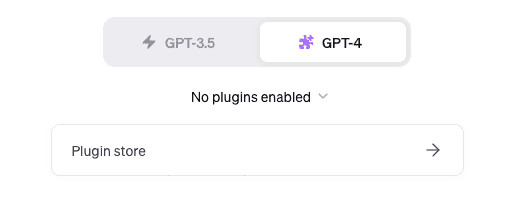
  1. Find ZeroBounce in Plugins
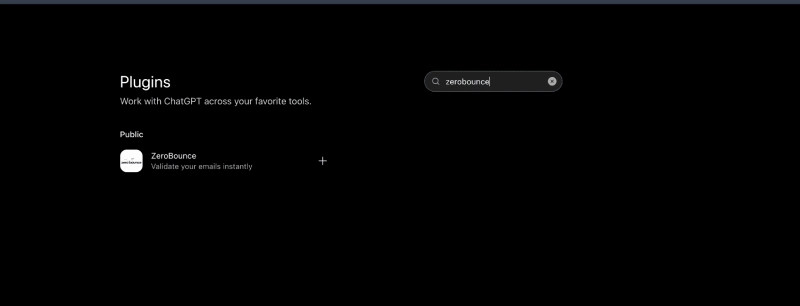
    Open the Plugins directory in ChatGPT, type zerobounce in the search field, and select the public ZeroBounce result.
    Figure 1. Search for ZeroBounce in the ChatGPT Plugins directory.

    Figure 1. Search for ZeroBounce in the ChatGPT Plugins directory.

  2. Review the listing and install
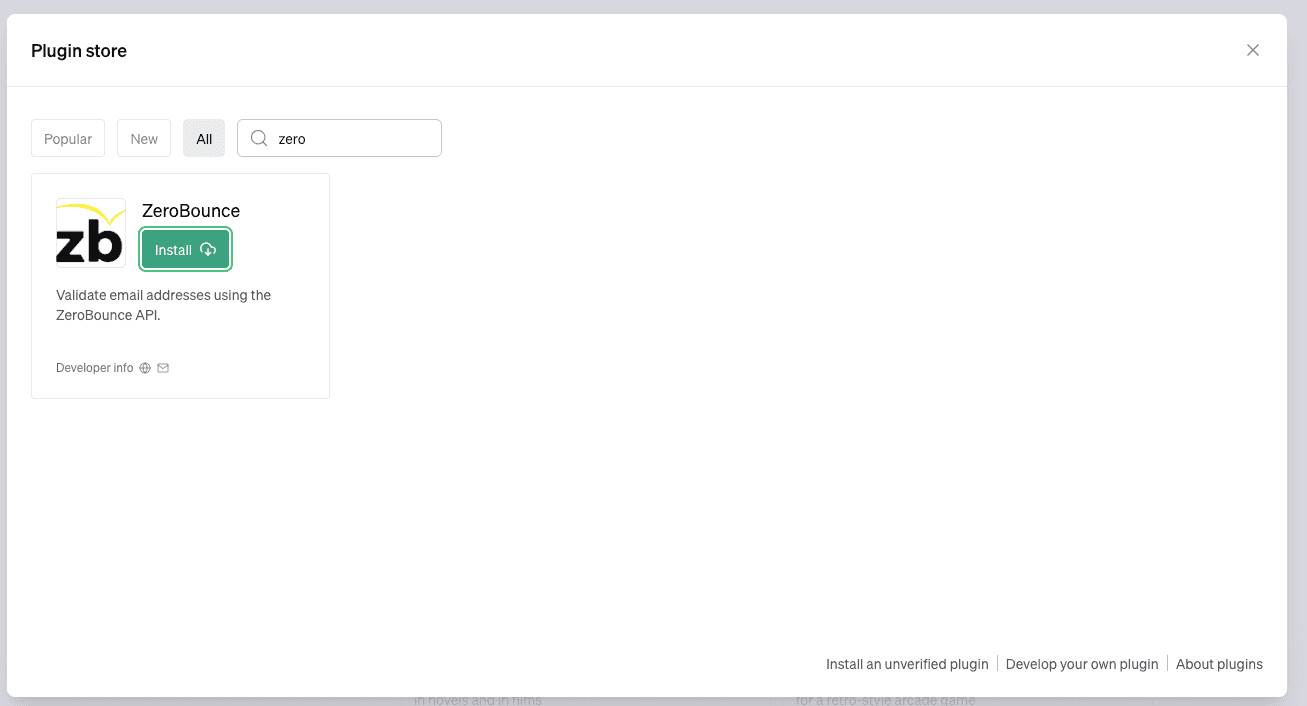
    Confirm that the developer is ZeroBounce and that the description refers to instant email validation. Select Install plugin to continue.
    Figure 2. Review the ZeroBounce listing and select Install plugin.

    Figure 2. Review the ZeroBounce listing and select Install plugin.

  3. Review the connection notice and select Connect
    ChatGPT displays a connection screen before the app is added. Read the notice, review the linked terms and privacy information, and select Connect when you are ready.
    Figure 3. Review the connection and data-sharing notice before connecting.

    Figure 3. Review the connection and data-sharing notice before connecting.

  4. Select ZeroBounce from the plus menu
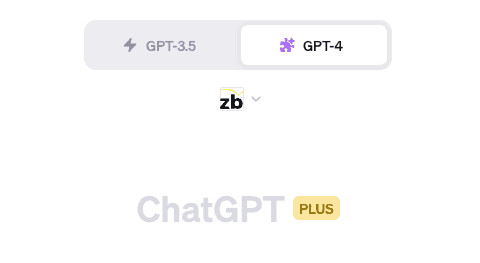
    Open a new or existing ChatGPT conversation, select the plus button beside the message field, and choose ZeroBounce from the available apps.
    Figure 4. Select ZeroBounce from the ChatGPT plus menu.

    Figure 4. Select ZeroBounce from the ChatGPT plus menu.

  5. Enter the address you want to validate
    Use a direct prompt. Mentioning ZeroBounce explicitly helps ChatGPT route the request to the correct app.
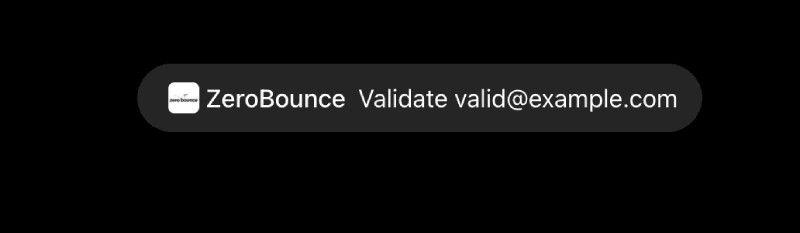
    Figure 5. ZeroBounce Validate action chip in ChatGPT.

    Figure 5. ZeroBounce Validate action chip in ChatGPT.

  6. Choose the permission scope
    Before sending the address to the ZeroBounce email-check API, ChatGPT asks you to approve the data sharing. Confirm the displayed address, then choose the scope that fits your policy.
    Allow once Approve only the current validation request.
    For this conversation Approve ZeroBounce requests in the current chat.
    Always allow Approve future requests without repeating the same prompt.
    Deny Do not share the address or run the validation.
    Figure 6. Permission scope prompt before sharing an address with ZeroBounce.

    Figure 6. Permission scope prompt before sharing an address with ZeroBounce.

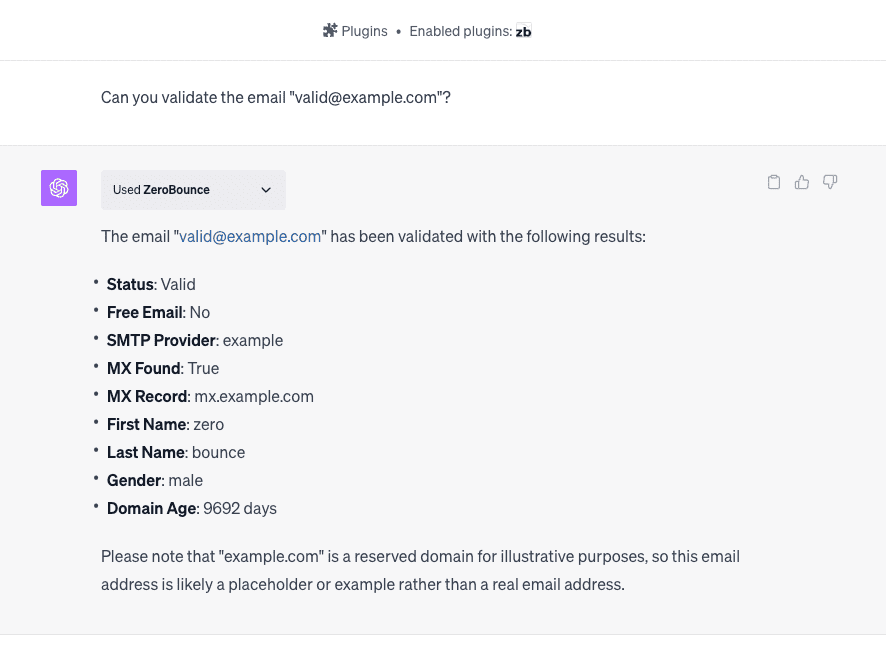
  7. Read the status and supporting details
    After the app responds, ChatGPT presents a structured result and a brief interpretation. Use both the primary status and the sub-status when deciding what to do with the address.
    Figure 7. Single-address validation result from the ZeroBounce app.

    Figure 7. Single-address validation result from the ZeroBounce app.

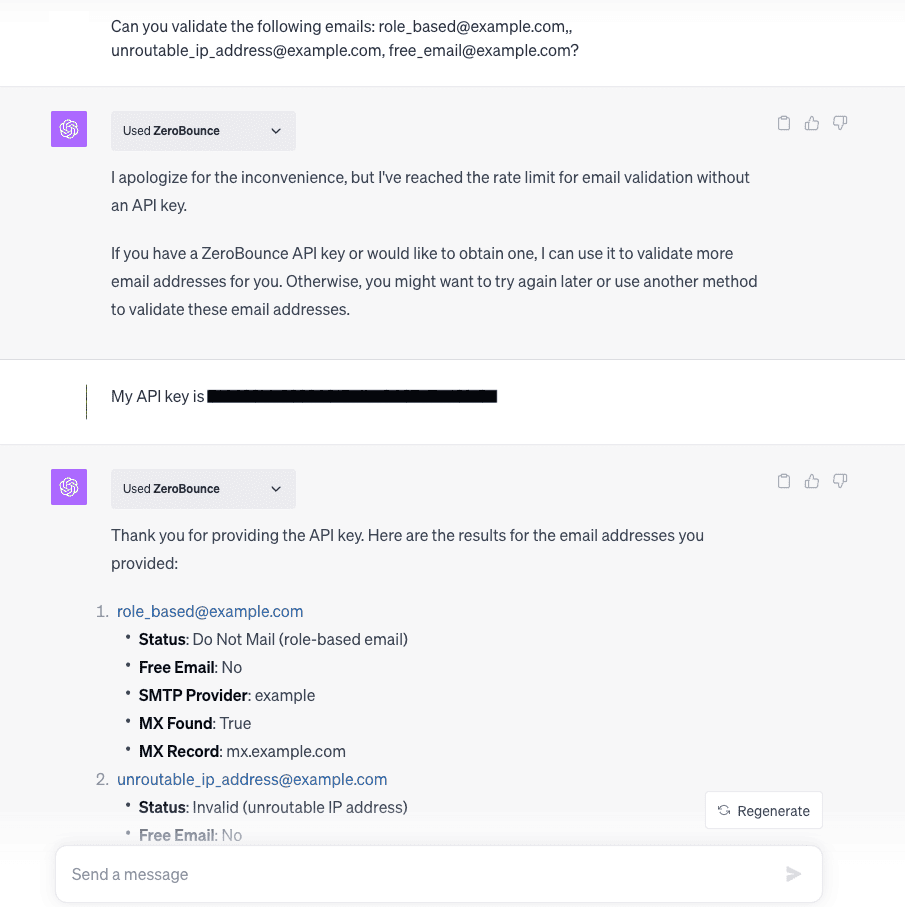
Validate multiple email addresses

Paste up to 20 addresses in one request

Place each address on its own line or separate addresses clearly. The batch validator processes up to 20 addresses per request.

When more than 20 addresses are supplied, only the first 20 are processed. Split larger lists into additional requests.

Figure 8. Batch validation results from the ZeroBounce app.

Figure 8. Batch validation results from the ZeroBounce app.

ZeroBounce Image
Please note
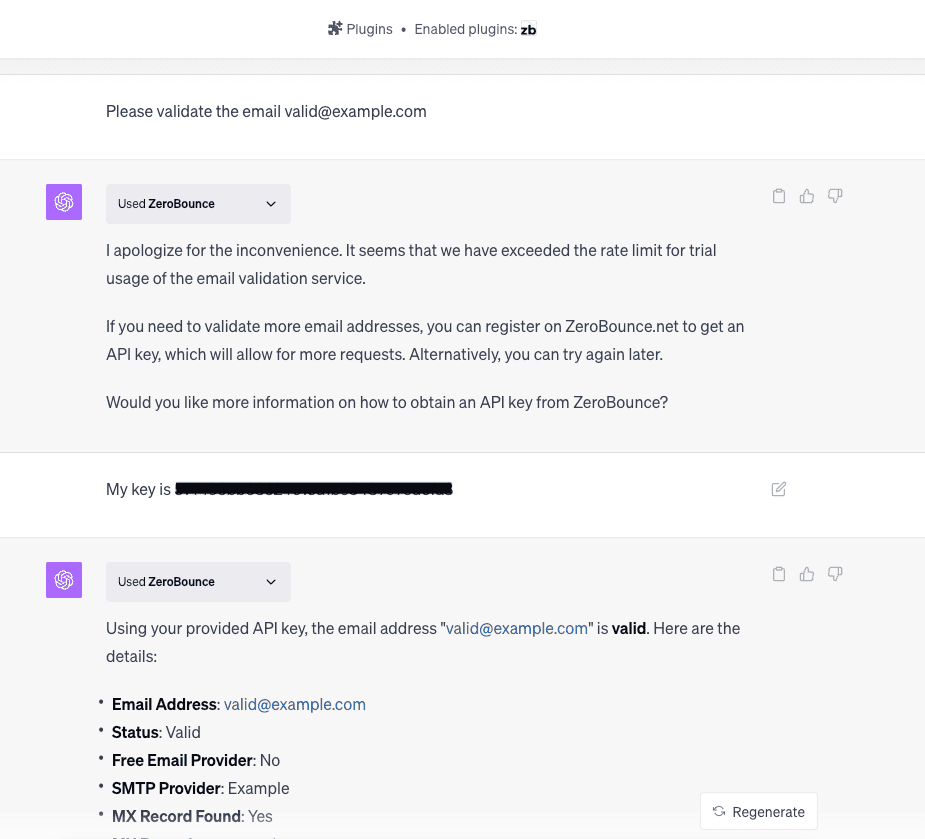
You can perform up to 10 single-email validations and 2 batch validations every 24 hours. Each batch can contain a maximum of 20 email addresses, allowing you to validate up to 40 addresses in batches per 24-hour period.

Prompt examples and recommended workflow

SINGLE ADDRESS

Validate name@company.com with ZeroBounce

BATCH REQUEST

Validate the following addresses with ZeroBounce: first@company.com second@company.com third@company.com

FOCUSED RESPONSE

Validate name@company.com and return only the status, sub-status, domain, MX records, and suggested correction.