Changing Your Password
If you forgot your ZeroBounce password or wish to update it for security reasons, you can do so anytime by visiting your profile settings.
How to change your password
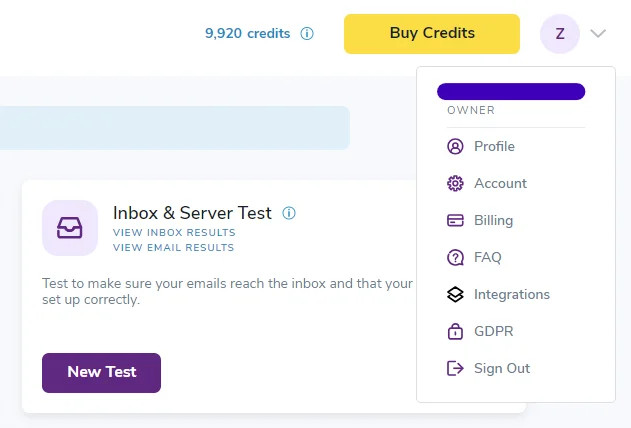
- Sign in to your account and access your profile settings using the top-right menu. This is the first option you see after hovering over your account icon.

- You’ll see multiple sections you can use to update things like your profile information, email, and notification settings. Scroll down until you reach the Change Your Password section.

- Enter your current password in the first field. This security measure ensures that you, the account owner, are attempting the password change.
- Enter your new password in the following field (8 characters minimum). It’s strongly recommended to use a password containing letters, numbers, and special characters (i.e., @, !). You should also use a password different from those used for other account sign ins. Then, confirm your new password in the following field.
- Click Save.
I forgot my password
In the event that you forget your ZeroBounce password, you can retrieve it by visiting the sign in page.
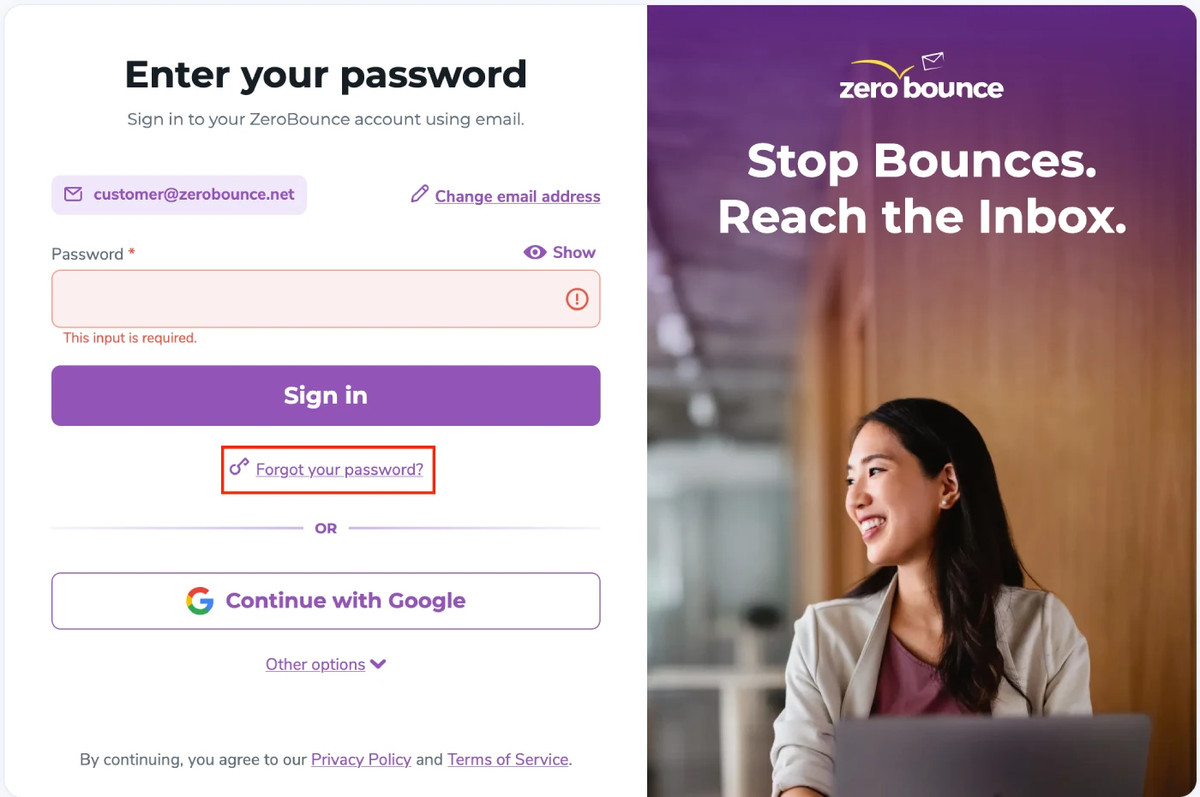
- Click the “Forgot Your Password?” link below the sign in form.

- Enter the email associated with your ZeroBounce account. Click Next.
- On the following screen, click the button that reads “Send me an email.” If an account is associated with the entered email address, you’ll receive an automated email notification containing a password reset link.

Alternatively - you can find a 6-digit code at the bottom of the email that you can enter on the webpage you used to begin the password retrieval process.
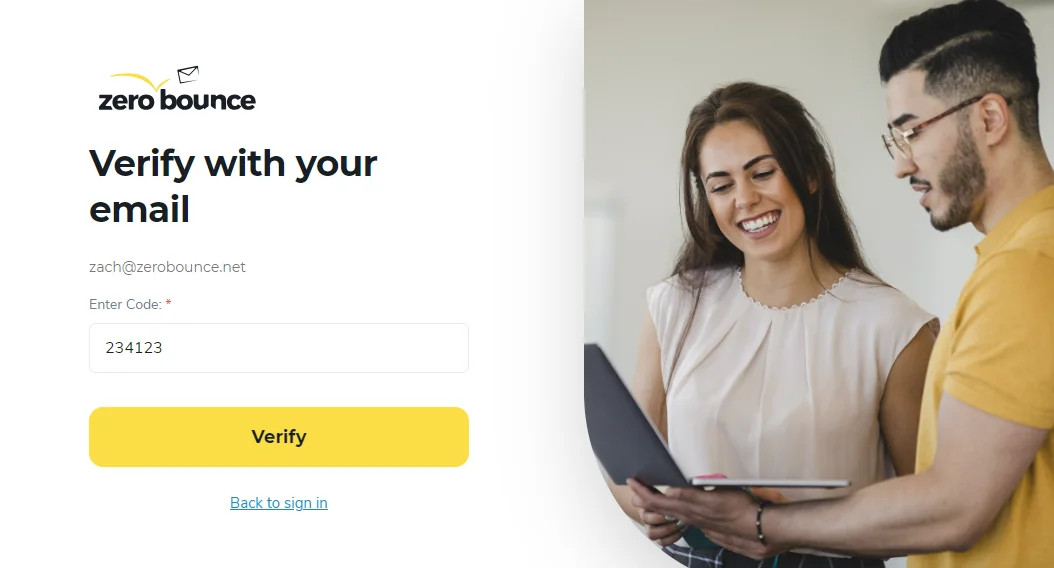
Note - You only have 30 minutes to complete this process. If time expires, you must re-enter your email address and request a new password reset link.
- Enter your new password in the following field (8 characters minimum). It’s strongly recommended to use a password containing letters, numbers, and special characters (i.e., @, !). You should also use a password different from those used for other account sign ins. Then, confirm your new password in the following field.
I lost access to my ZeroBounce account email address
If you cannot access the inbox of the email address associated with your ZeroBounce account, please contact customer support - available by phone or live chat 24/7.
Please be prepared to provide any identifying information that may assist our support team in ensuring you are the account owner.
Related Articles
Email validation and account information
Disabling password-protected downloads