
Docs
Docs
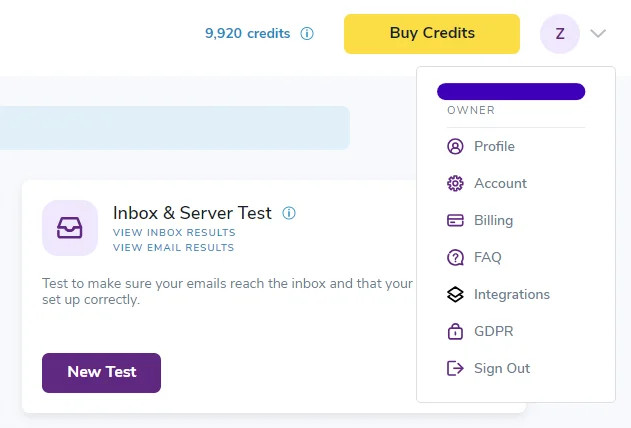
If you wish to disable password-protected downloads, you can do so by visiting your ZeroBounce profile settings.
Warning - It’s strongly advised not to disable password-protected downloads. This feature protects your sensitive data. ZeroBounce security measures ensure all users receive a unique, encrypted password when downloading email validation results from their accounts.
This is essential as it adds an additional layer of data protection in the event that your ZeroBounce account becomes compromised. While the attacker may be able to sign in to your account, they cannot view your contacts, email data, or results without the download password.
Removing this additional layer of protection leaves your sensitive data vulnerable if someone gains access to your sign in credentials. The attacker no longer needs a unique password to view your contacts or email addresses uploaded from your company’s database.
If you need to turn off password-protected downloads for any reason, follow these steps:
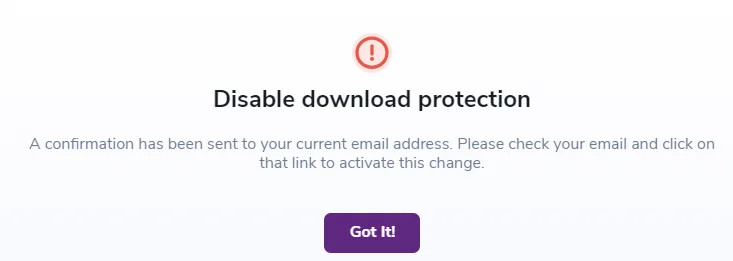
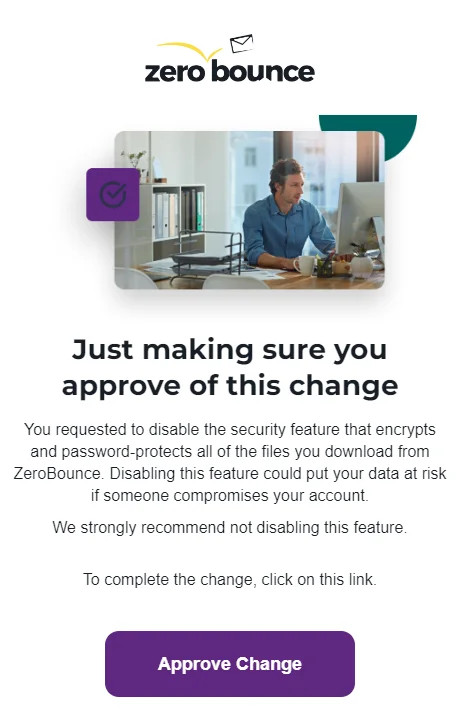
Check your email for the notification and click Approve Change to verify your request.
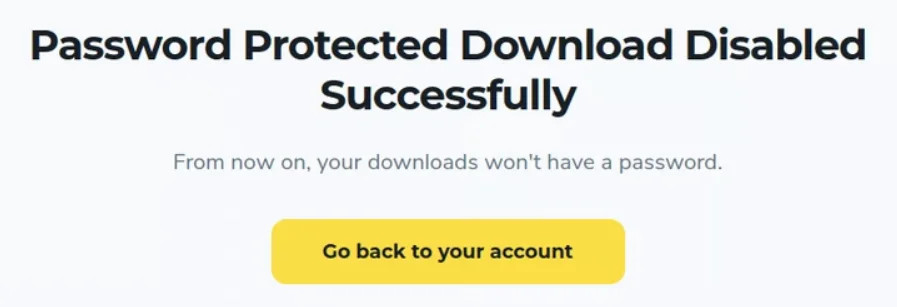
If you need to disable password-protected downloads, it’s recommended to re-enable the security feature at your earliest convenience. Your data privacy is essential, and ZeroBounce will always do everything possible to secure your account. Keeping password-protected downloads aids in this endeavor.
If you wish to re-enable password-protected downloads, you can visit your Profile settings and adjust the toggle again under Security Settings.
Email validation and account information
