
Docs
Docs
When registering for your new ZeroBounce account, you will receive an automated email with a confirmation link. Be sure to check your inbox when receiving the notification, and follow the link inside the email.
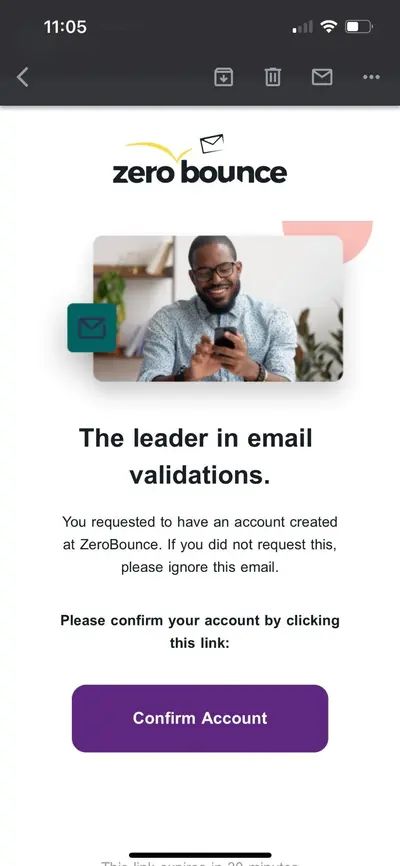
After clicking the Confirm Account button, you’ll be automatically redirected to the ZeroBounce sign in screen. You can now use your email address and password to sign in to your new account.
If you are unable to sign in to ZeroBounce after confirming your email address, please try the following actions:
If you did not automatically receive your account confirmation email, please follow these troubleshooting steps.
Disabling password-protected downloads
How often should I verify my email list?
Can I verify my emails in real time as they’re collected?
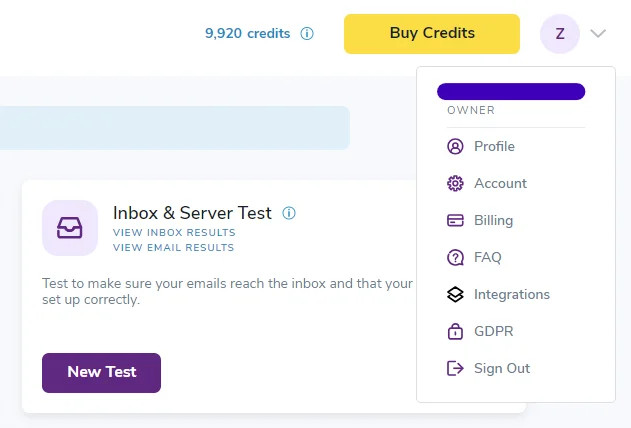
If you forgot your ZeroBounce password or wish to update it for security reasons, you can do so anytime by visiting your profile settings.

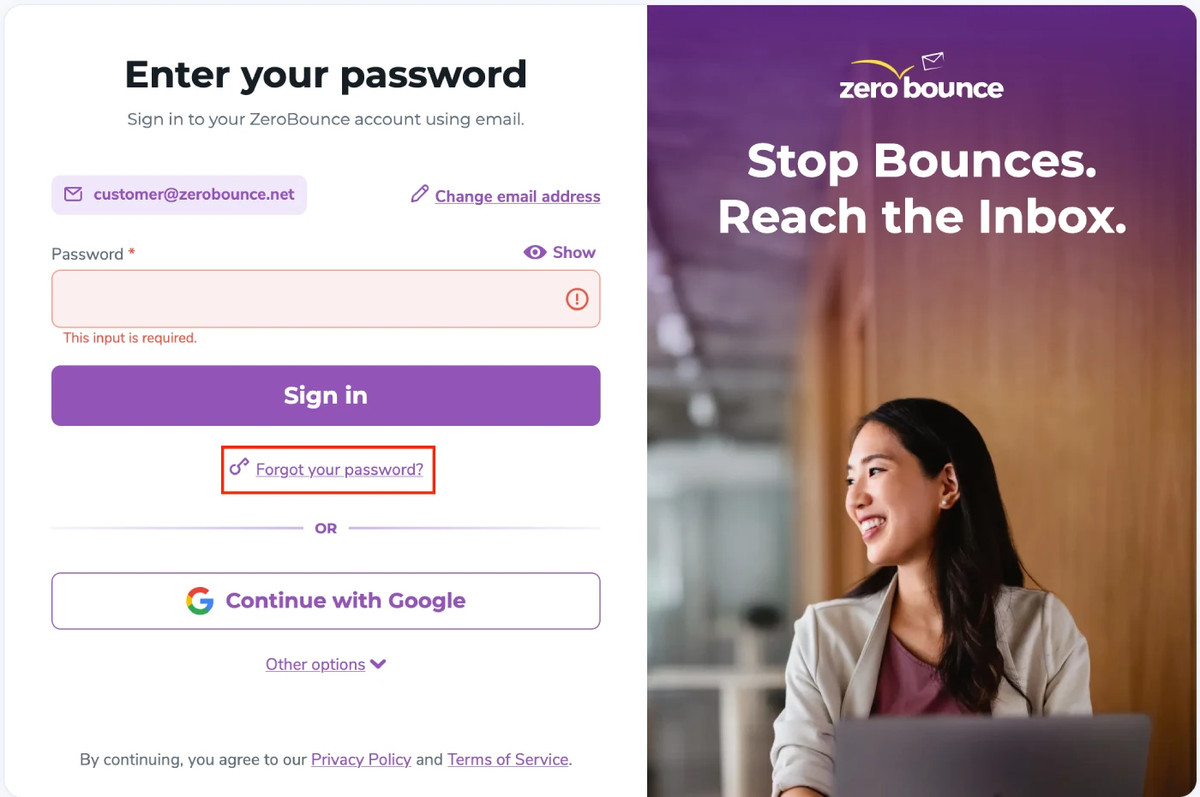
In the event that you forget your ZeroBounce password, you can retrieve it by visiting the sign in page.
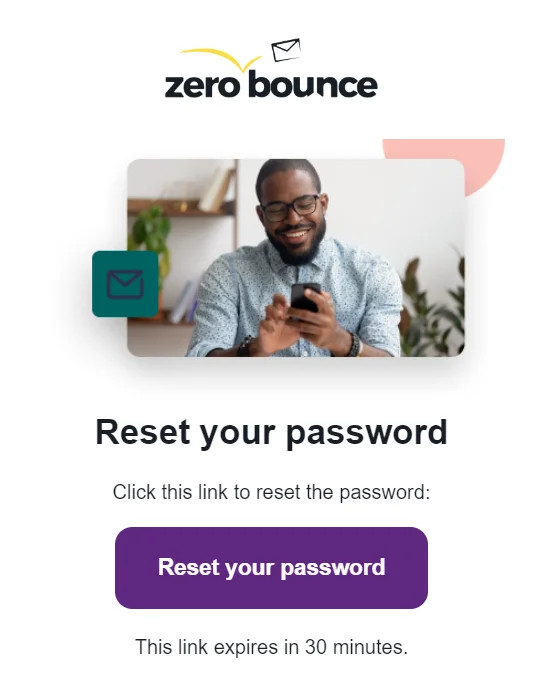
Alternatively - you can find a 6-digit code at the bottom of the email that you can enter on the webpage you used to begin the password retrieval process.
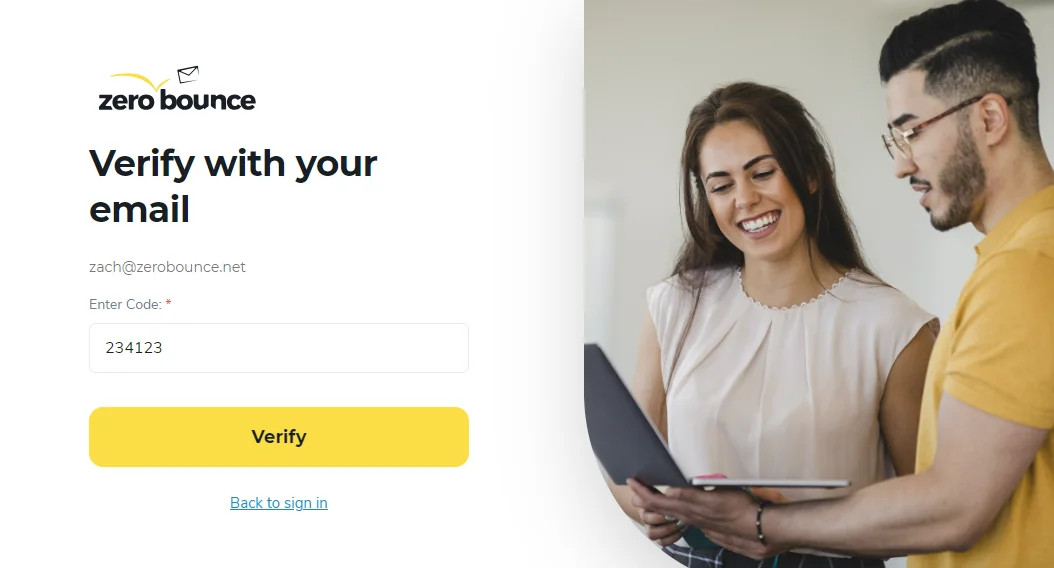
Note - You only have 30 minutes to complete this process. If time expires, you must re-enter your email address and request a new password reset link.
If you cannot access the inbox of the email address associated with your ZeroBounce account, please contact customer support - available by phone or live chat 24/7.
Please be prepared to provide any identifying information that may assist our support team in ensuring you are the account owner.
Email validation and account information
Disabling password-protected downloads
How often should I verify my email list?
Can I verify my emails in real time as they’re collected?
If you wish to disable password-protected downloads, you can do so by visiting your ZeroBounce profile settings.
Warning - It’s strongly advised not to disable password-protected downloads. This feature protects your sensitive data. ZeroBounce security measures ensure all users receive a unique, encrypted password when downloading email validation results from their accounts.
This is essential as it adds an additional layer of data protection in the event that your ZeroBounce account becomes compromised. While the attacker may be able to sign in to your account, they cannot view your contacts, email data, or results without the download password.
Removing this additional layer of protection leaves your sensitive data vulnerable if someone gains access to your sign in credentials. The attacker no longer needs a unique password to view your contacts or email addresses uploaded from your company’s database.
If you need to turn off password-protected downloads for any reason, follow these steps:
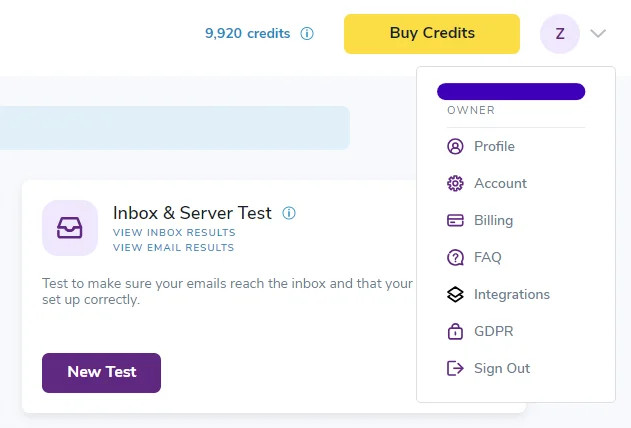
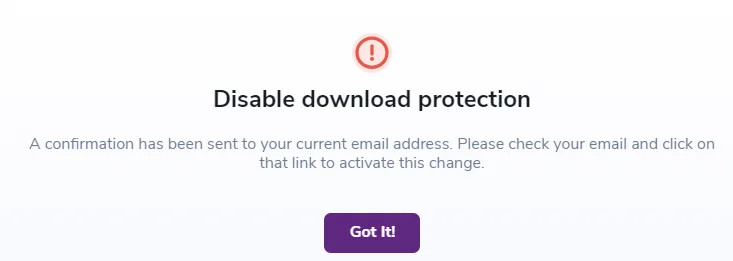
Check your email for the notification and click Approve Change to verify your request.
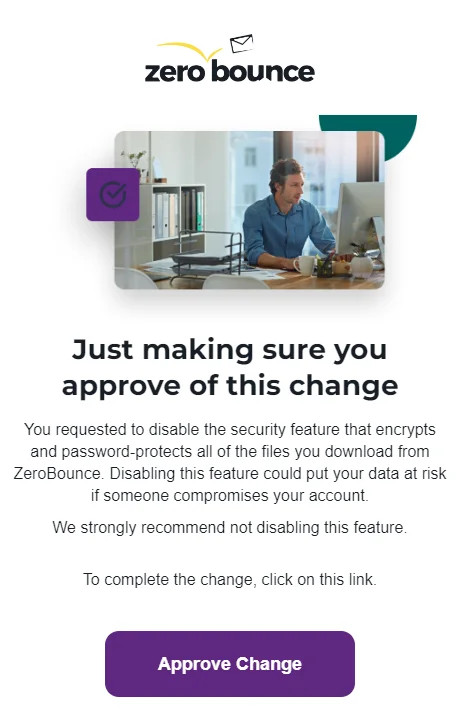
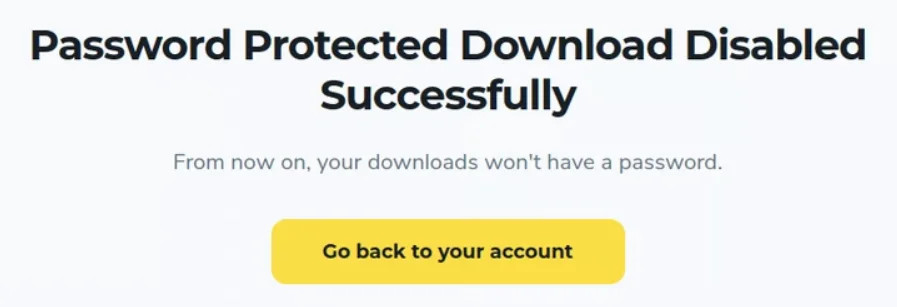
If you need to disable password-protected downloads, it’s recommended to re-enable the security feature at your earliest convenience. Your data privacy is essential, and ZeroBounce will always do everything possible to secure your account. Keeping password-protected downloads aids in this endeavor.
If you wish to re-enable password-protected downloads, you can visit your Profile settings and adjust the toggle again under Security Settings.
Email validation and account information
How often should I verify my email list?
Can I verify my emails in real time as they’re collected?
Verifying your email list at least once per quarter or every three months is recommended. Cleaning your list at this frequency is enough to help most businesses combat email decay while keeping up with their email list growth.
However, you may wish to verify your email list more frequently if you’re a larger business that regularly sees a high volume of new email leads.
In addition to these suggested time frames, reviewing key email marketing metrics is recommended regularly. Identifying and understanding problems in these areas can also indicate a need to clean your email list.
Internet and email service providers look for senders to maintain a 2-5% bounce rate. However, you must keep it at 2% or lower to protect your sender reputation.
Bounced emails are a telltale sign that some contacts on your email list are invalid. Verifying your email list will identify those outdated email addresses so that you can remove them from your list.
When someone reports your emails as spam or abuse, it increases your spam complaint rate. Internet service providers have a low tolerance for spam complaints and suggest that you keep it below 0.1% (1 in 1,000 emails sent).
If you notice a rise in spam complaints, it’s time to verify your email list. You’ll be able to identify problematic contacts on your email list, which we call abuse emails. These contacts are chronic complainers that misuse the report abuse function to your detriment.
Verifying your email list will help you spot them so you can purge them from your list.
Using an email verification APIⓘ is recommended to clean new email addresses at the time of registration. If you get a high volume of new email signups and are not using an API on your registration forms, you should clean those new emails in batches.
Alternatively, you can install the real-time email verification APIⓘ to your website, landing pages, and wherever you collect new email addresses.
To gain even more insight into clean email, along with when and how to verify your email list, - check out the Marketer’s Guide to Clean Email.
Email validation and account information
Disabling password-protected downloads
Can I verify my emails in real time as they’re collected?
You can verify your emails as they’re collected in real time by using an email verification APIⓘ.
The API (Application Programming Interface) allows you to integrate your email verifier with your favorite platforms, websites, databases, or wherever you collect email addresses.
Verifying your emails in real time effectively lets you customize how you wish to clean your email list.
First - you’ll need to integrate your email verifier’s API code into your location of choice. A great place to install the real-time email verification APIⓘ is in your website’s account sign-up section.
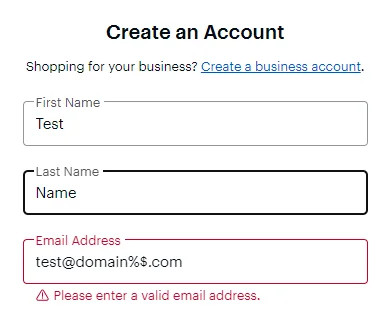
Usually - users could enter any name or email address into the registration form. With the help of the real-time API, your email verifier will automatically detect invalid email addresses. Your visitors can only register for an account or mailing list once they provide a valid email address.
The real-time API is also helpful for detecting problematic, risky emails like abuse emails, spam traps, and disposable emailsⓘ. These email address types use a valid format but can damage your campaign performance and sender reputation. They can also put your email domain on a blacklist.
You’ll need two things to get started with a real-time email verification APIⓘ:
You’ll need to sign up for an account with an email verification service to obtain an API key if you don't have one. Some services allow you to create multiple API keys for different platforms.
Then, just add your API key to the appropriate field within the API code to verify emails in real time.
Free ZeroBounce accounts come with 100 credits. However, if you need to verify more emails in real time, you’ll need to add more credits to your ZeroBounce account.
For a more in-depth tutorial on setting up a real-time email verification APIⓘ, be sure to review our dedicated documentation.
Installing the API is simple and requires no coding expertise. However, if you prefer help and have questions about our API, contact the support team via phone or live chat, available 24/7.
Email validation and account information
